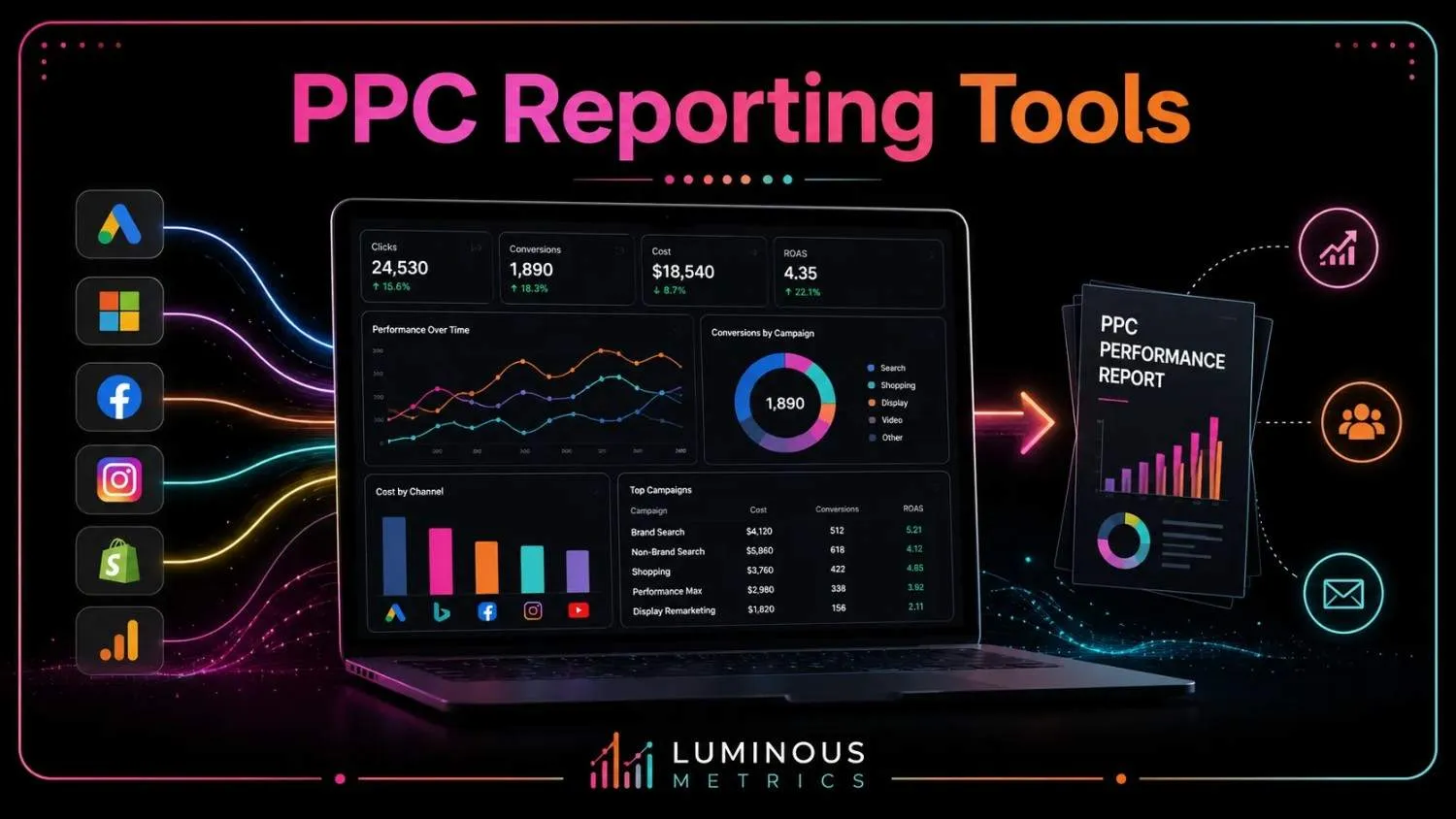
PPC reporting tools exist for one simple reason: managing PPC campaigns across Google, Meta, and Microsoft Ads is often the easy part.
The real challenge begins when you try to connect scattered data, understand what is driving results, and turn those numbers into clear decisions.
But what are the reasons to use PPC reporting tools? They bring everything together, making it easier to see what is working, what is wasting budget, and where your next opportunity lies. For more practical insights, explore our marketing analytics blog.
In this guide, we cover:
- How PPC reporting tools work
- What separates the best platforms from the average ones
- How to choose the best PPC reporting tools for your needs
What Is a PPC Reporting Tool?
A PPC reporting tool acts as the bridge between your advertising platforms and the people making campaign decisions. It collects performance data from channels such as:
- Microsoft Ads
- Google Ads
- Meta Ads
- TikTok
Then, it turns a sea of disconnected numbers into clear, useful insights.
Without the right tool, teams often spend hours exporting CSV files, cleaning up spreadsheets, and rebuilding the same reports week after week. This process is not only tedious, but it also slows down decisions that should be made while campaigns are still running.
The challenge becomes even greater because every platform measures success differently:
- Google Ads may define a "conversion" one way,
- Meta may calculate it another way,
- Your CRM may record the same action as a "qualified lead."
A reliable PPC reporting tool brings these definitions together by applying a consistent KPI framework across all your advertising channels.
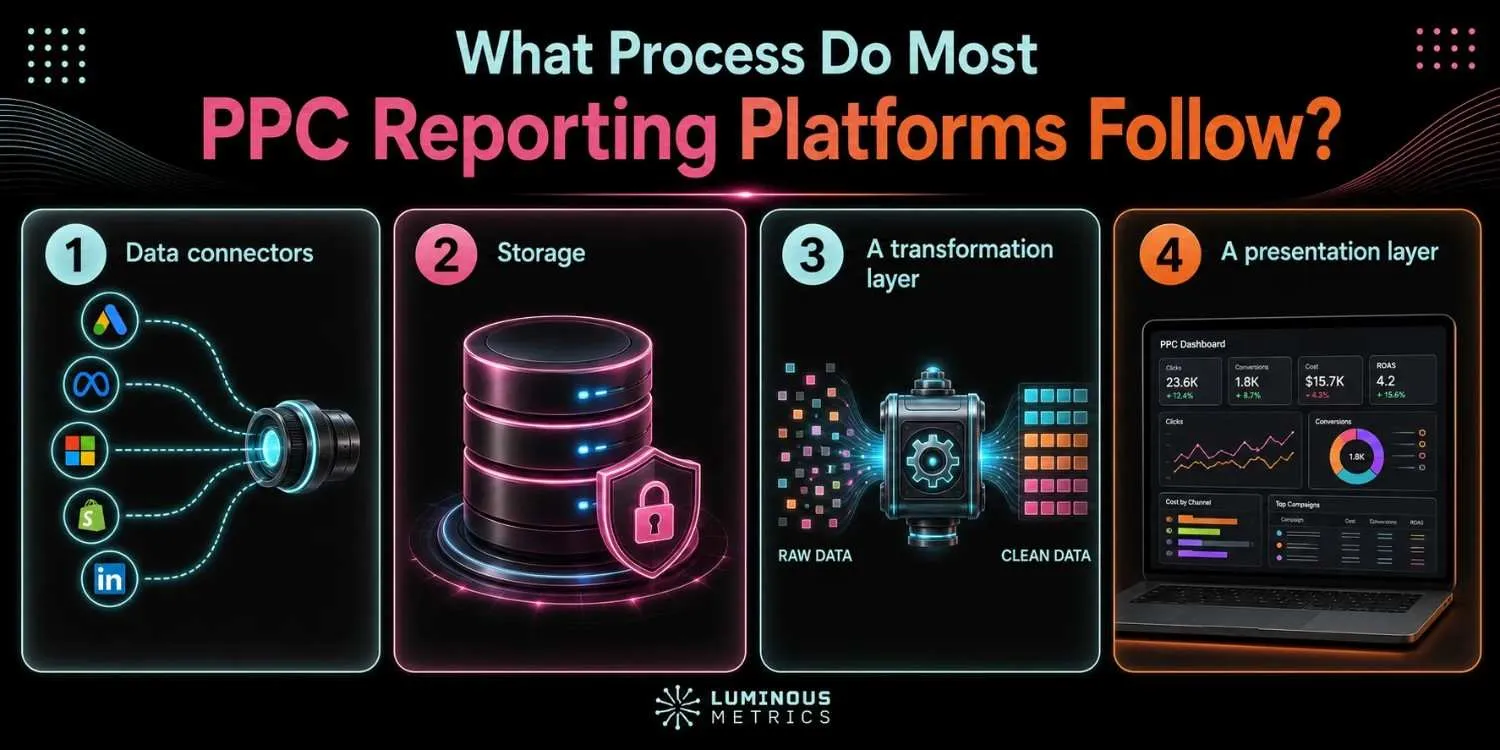
The process most PPC reporting platforms follow
- 1Data connectors pull raw numbers from each ad platform's API.
- 2Storage organizes that data into a clean, queryable format.
- 3A transformation layer applies attribution models and standardizes metrics like ROAS and CAC.
- 4A presentation layer turns it all into dashboards, PDFs, or client-ready reports.
What the Best PPC Reporting Tools Have in Common
Not every reporting platform deserves a place in your marketing stack. The most impressive PPC reporting tools do more than display campaign numbers. They help your team spot problems faster, understand performance more clearly, and make better decisions with less manual work.
For instance, the Swydo PPC reporting tool is a solid choice for agencies focused mainly on PPC reporting, but it may feel limited for teams operating in the MENA region. It does not offer an Arabic interface or support for AED or SAR. Its pricing can also rise quickly as more data sources are added.
On the other hand, Lumis AI is built to go further. It brings:
- Paid media
- Organic social
- SEO reporting
into one place. It offers Arabic support and regional integrations designed specifically for Middle Eastern businesses. With flat, published plans, teams get a broader, more locally relevant solution without the unpredictable costs of per-source pricing.
What Features Matter the Most About PPC Reporting Tools
The right PPC reporting tool should do more than simply display campaign numbers. It should bring your data together, adapt to your business goals, automate marketing reporting, and help you identify performance issues before they affect your budget.
Here are the key features to look for when comparing PPC reporting tools:
Broad Integrations
Your reporting tool should connect to every platform your campaigns rely on, not only Google Ads and Meta Ads. The fewer gaps in your data, the clearer your overall performance picture will be.
Reliable Data Syncing
For many teams, daily updates work perfectly well. However, if you manage large budgets or fast-moving campaigns, more frequent or near-real-time syncing can help you react before small issues become costly problems.
Custom KPI Definitions
Every business measures success differently. A good reporting tool should let you build KPIs around your actual goals rather than forcing you to work with rigid, prebuilt metrics.
Multiple Attribution Models
No single attribution model tells the whole story. Support for last-click, linear, data-driven, and other models allows you to evaluate campaigns from multiple angles and better understand what drives conversions.
Reporting Automation
Scheduled reports, automatically refreshed dashboards, and performance alerts eliminate hours of repetitive manual work. This gives your team more time to analyze results and improve campaigns instead of constantly rebuilding reports.
Anomaly Detection
The best platforms do not just show what happened. They warn you when something looks wrong. Sudden increases in CPC, unexpected drops in conversions, or unusual spending patterns can be flagged early, helping you protect your budget and respond quickly.
How to Choose the Right PPC Reporting Tool
There is no single PPC reporting tool that works best for every business. The right choice depends on your:
- Team
- Budget
- Reporting needs
- Campaign complexity
But how can you tell whether the tool is the right one for your brand? The good news is that Lumis AI has made it easy by providing a free trial for its users.
To narrow down your options, start by asking a few practical questions.
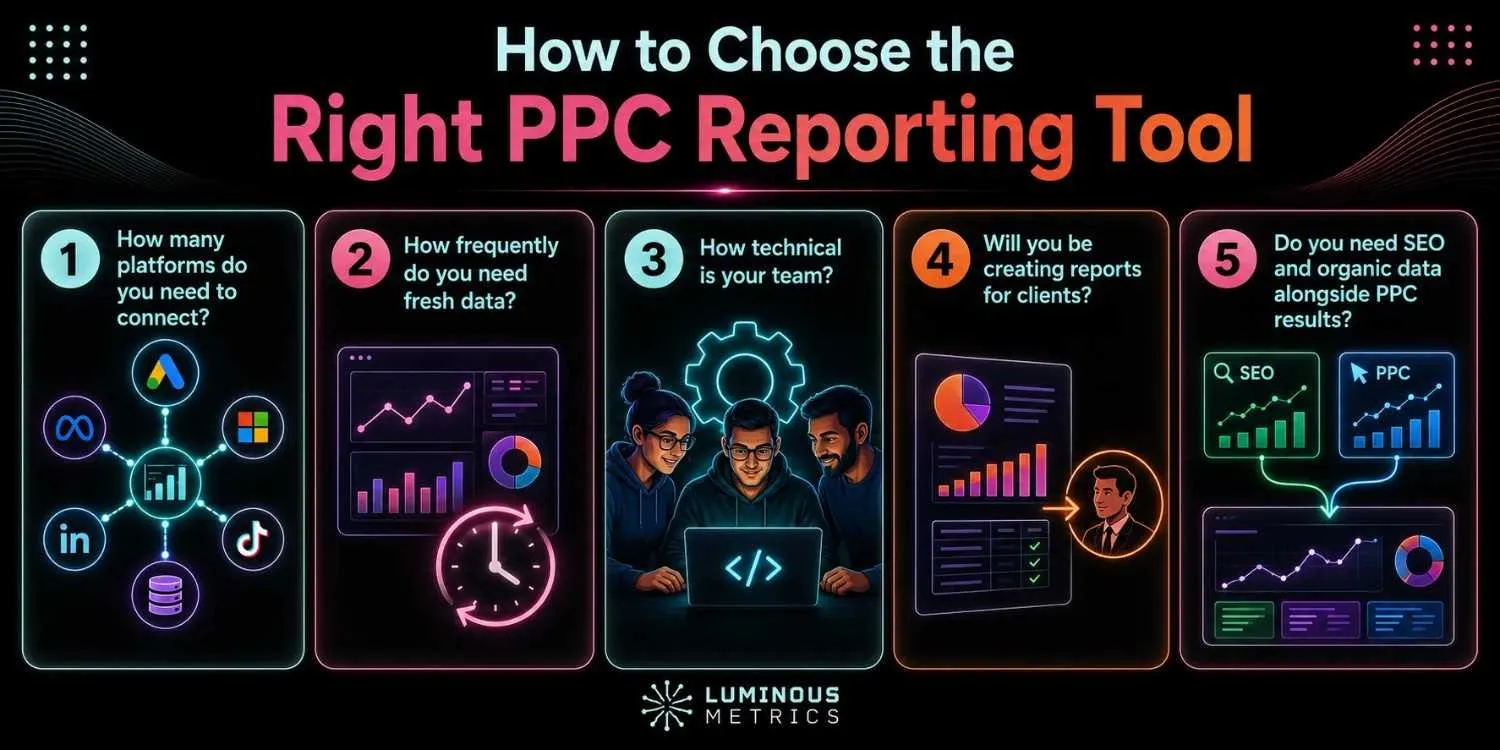
1. How many platforms do you need to connect?
Make sure the tool supports all the channels you actively use. Limited or shallow integrations can leave gaps in your reports and make it harder to see the full picture.
2. How frequently do you need fresh data?
Daily syncing is enough for many teams, while high-spend or fast-moving campaigns may benefit from near-real-time updates. Keep in mind that faster syncing often comes at a higher cost.
3. How technical is your team?
Data warehouse solutions built on platforms such as BigQuery or Snowflake offer greater flexibility and control, but they typically require technical expertise and ongoing engineering support.
4. Will you be creating reports for clients?
Agencies should look for strong white-labeling features, separate client workspaces, permission controls, and an easy way to manage multiple accounts without mixing data.
5. Do you need SEO and organic data alongside PPC results?
Some tools focus almost entirely on paid advertising. If you want a complete view of marketing performance, choose a platform that also supports SEO, organic social, website analytics, and other relevant channels.
Final Thoughts
PPC reporting tools are designed to bring order to the chaos of scattered campaign data. Instead of jumping between platforms, comparing mismatched metrics, and rebuilding spreadsheets every week, they turn your numbers into clear insights you can actually use. Whether you begin with free PPC reporting tools or invest in a more advanced platform, the goal should be the same:
Less manual work and faster, smarter decisions.
For teams managing several advertising channels or agencies reporting to multiple clients, the right platform can make a major difference. Look for reliable integrations, flexible KPIs, and strong automation features that free your team from repetitive reporting and give them more time to focus on what really matters: improving campaign performance.
Ready to reduce manual work, make faster and smarter decisions, and improve your campaign performance? Book a Lumis demo to see the software on your own accounts — or start your free trial today.
FAQs on PPC Reporting Tools
Why does cross-channel visibility win in PPC reporting?
Bringing SEO and PPC reporting into one tool makes it much easier to understand what is really driving traffic, leads, and conversions. Lumis AI, created by a professional team of SEO, digital marketers, and developers, hits both birds with one stone — no separate services or tools required. As privacy changes make traditional tracking less reliable, organic search and first-party data are becoming even more important. A combined reporting tool helps you spot where paid and organic efforts overlap, find new keyword opportunities, and give stakeholders one clear view of overall performance.
What does a free PPC reporting tool do?
A free PPC reporting tool is a good place to start, especially if you are not ready to invest in a paid platform. Tools like Google Ads and Meta Ads Manager give you fast, accurate data, but each one only shows performance from its own channel. Looker Studio can help bring that data together in one place, although it takes more time and manual setup to get everything working properly. If you want a deeper look at how AI changes this workflow, read How AI Is Transforming Marketing Analytics.
What features should a PPC reporting tool have?
The best PPC reporting tools share six traits: broad integrations across every ad platform, reliable data syncing, custom KPI definitions, support for multiple attribution models, reporting automation with scheduled delivery, and anomaly detection that flags issues before they cost you money.